How to Create an Airbnb Video to Market Your Property [+Tools]
![How to Create an Airbnb Video to Market Your Property [+Tools]](/content/images/size/w1200/wordpress/2018/06/depositphotos_51606869_l-2015.jpg)
An Airbnb video can do wonders for your listing! Find out how to create an Airbnb video that will appeal to your target guests and convince them to book your listing.
Key Takeaways:
- Airbnb currently doesn’t allow hosts to upload a property video to their listings, but you can share one on a marketing platform like Facebook or a video-sharing site like YouTube.
- The best Airbnb videos focus on storytelling and include a clear call-to-action,
- If your budget doesn’t allow you to hire a professional, you can use an intelligent video editor and create a video yourself.
If you are looking for a creative way to market your Airbnb property, an Airbnb video can do wonders for your listing. As the old saying goes, a picture is worth a thousand words, and it only takes two seconds to upload video content for your target audience.
But if you include a video in your marketing strategy, it may be even more effective than static images. According to HubSpot, 72% of customers would rather learn about a product or service by watching a video.
The importance of using video as a marketing tactic is backed by the fact that YouTube is the second most popular website after Google. As YouTube data shows, users view more than 1 billion hours of video content each day on their platform.
In addition, another study found that 92 percent of mobile video viewers share videos with others. These studies show that video is gaining momentum like never before.
To help your Airbnb property stand out, we have put together this useful manual so you can create an Airbnb video to market your property. Read on to learn about the best practices of promoting your rental through video.
Can I Add a Video to My Airbnb Listing?
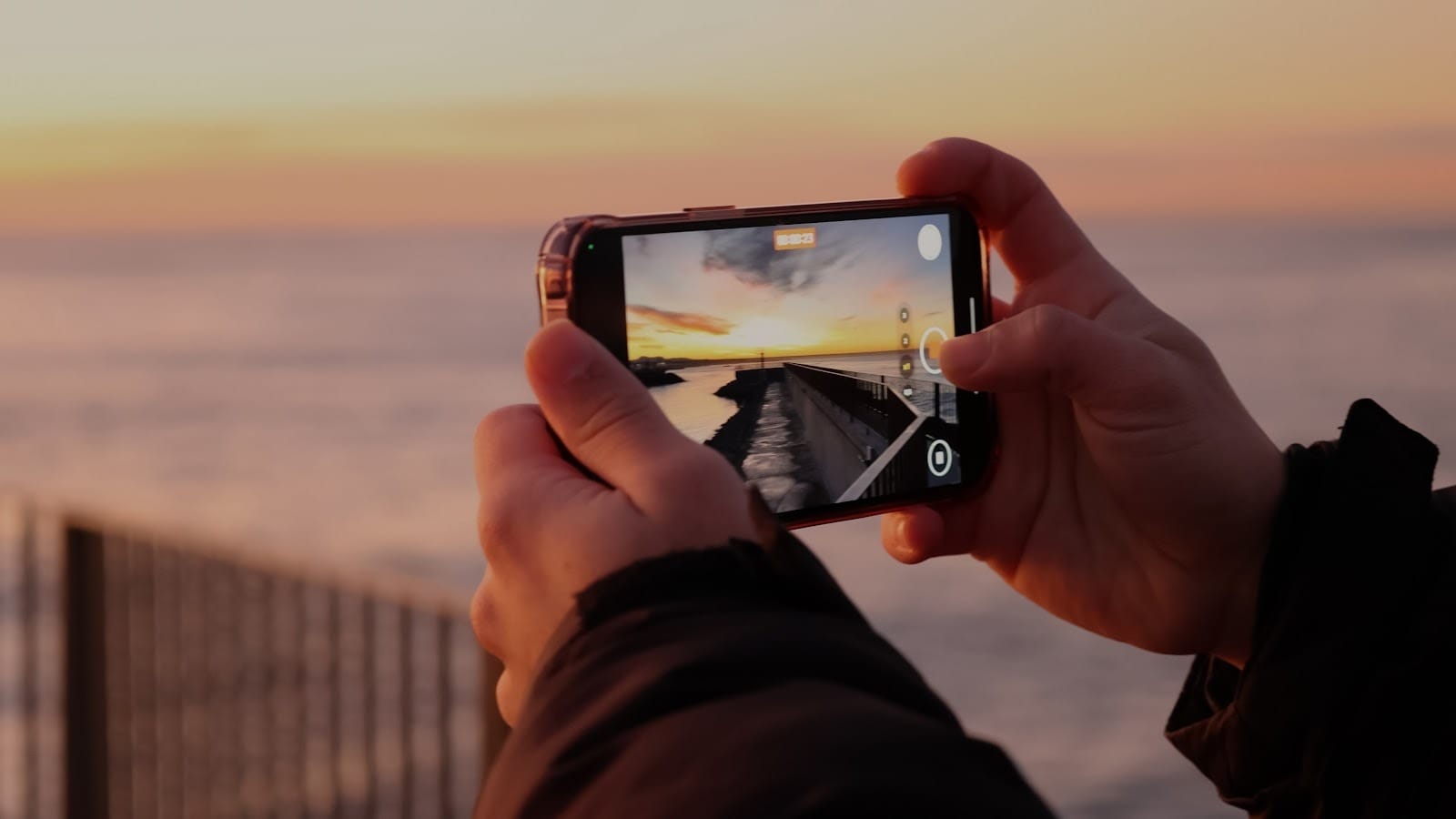
Currently, Airbnb doesn’t have a function allowing you to add a video to your listing, only property images. However, it doesn’t mean that you should give up on your idea of making an Airbnb video. There are many third-party platforms where you can upload your video content.
Make sure to include a link to your video channel in your Airbnb listing description. This way, your potential guests will be able to access your channel and view the content that you have published.
1. Make Your Airbnb Video Speak to Your Potential Guests
An Airbnb video is an extension of your Airbnb listing. In general, the same basic principles will apply to create a video that you would use to take photos for your listing. You should keep your target guest in mind so that your video will appeal to a specific audience.
Make sure to:
- Tell a story. Through your Airbnb video tour, you should show your ideal guests why your property is the perfect choice for their needs. If necessary, you can even shoot different versions of your video. This way, you will be able to appeal to different types of guests, such as tourists, families, or couples.
- Map a route in advance. Before you start filming, you should have a plan to follow. Your video should run smoothly with no unexpected changes. Also, a plan will help you to be sure that you don’t accidentally miss any rooms or areas.
- Do a complete walkthrough. Make sure that your video shows off your entire property so that there are no surprises after check-in. Highlight the amenities that you have on offer. Put a spotlight on your most unique amenities that could persuade your potential guests to book with you.
- Don’t forget to include the outside areas. If you have a garden or a porch, don’t leave these areas out of your footage. Outside areas are one of the key assets that you can advertise as your main selling points.
- Be honest. Be honest about what your property offers. Make sure that guests are aware of its advantages and downsides.
- Hire a professional videographer. The quality of the video is of utmost importance as you want to showcase your property at its finest. Although you can use your smartphone to create a high-quality video, it is preferable to let a pro do this job for you. A professional videographer knows the best angles and can provide video editing services afterward.
- Think about the sound quality. Aside from a nice visual part, it is important to think about good sound quality. You should decide on whether you are going to use a voiceover or add music to your video. Make sure the music you use is royalty-free so you are not violating any copyright rules.
- Avoid licensed or copyrighted content. Make sure that you don’t include logos, licensed music, or anything else that might infringe on intellectual property rights in your video.
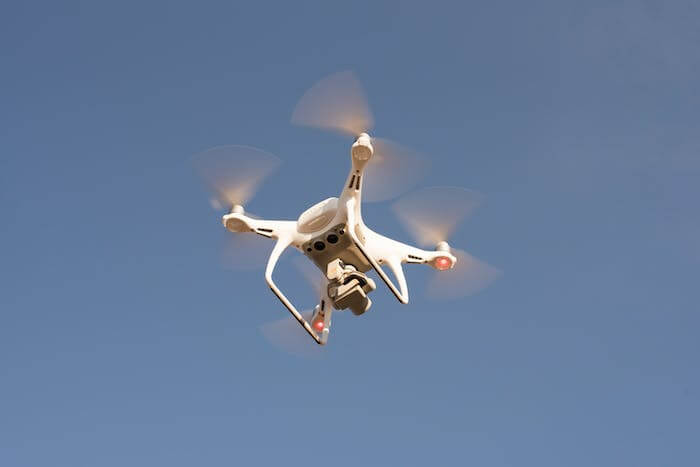
- Use a drone. If you have a drone and drone flights are allowed in your locality, use it for your Airbnb video. Take a few snaps of the front and back of your house. Then film the area around your property. People are always curious to know about the local surroundings and nearby attractions.
- Keep it under 2 minutes. Studies show that people have short attention spans when it comes to video. If your video must go over 2 minutes, try to keep it as short as possible.
2. Include a call to action
Connecting with your target guests also means that you need to include a simple call to action to encourage bookings. To help convert video viewers into guests, it is a good idea to add a CTA directing them to your Airbnb listing (or direct booking website, if you have one).
For example, you can add a CTA to your YouTube video using YouTube cards or end screens.
To sweeten the deal, you can also mention a special offer that will be available to people who viewed your video. Airbnb special offers allow you to set a custom price for a guest who sends you a booking inquiry.
With quality content and a simple CTA, guests will know what to do next. A CTA will also make it easier to track who viewed your video before booking your Airbnb property.
3. Post your video on YouTube
Once your video is ready, it’s time to send it out to the world. As mentioned earlier, Airbnb does not allow you to upload videos to your listing. Therefore, you will have to rely on third-party websites in order to promote your Airbnb video.
YouTube is a must. With over 2.5 billion monthly active users as of the beginning of 2025, it lets you reach a massive audience of travelers.
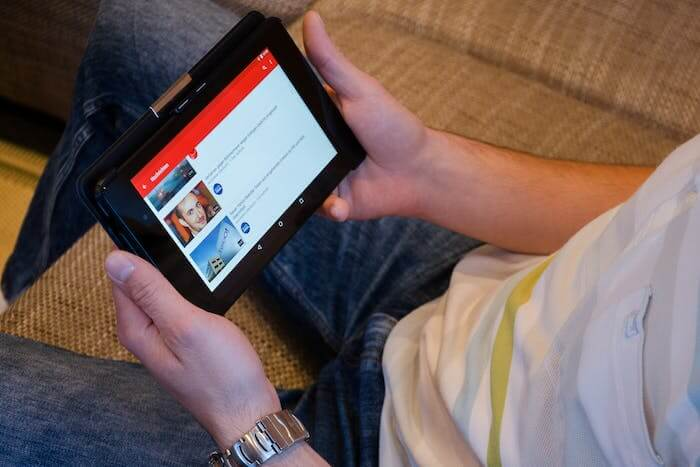
When you post your video on YouTube, make sure to write a brief description of your property under your video. You should also include relevant tags, such as your city name, “Airbnb”, “cottage”, “entire home/apt”, “romantic”, “business travelers”, etc. Your target guests are likely to use these keywords to search for Airbnb properties on YouTube.
Last, but not least, make sure that you also include a link to your listing on Airbnb in the description part of your video. This way, people can go directly from the video to your Airbnb listing so that they can easily book.
4. Post your Airbnb video on other video sites
Although YouTube is the king, you shouldn’t ignore other video platforms. Sites like Vimeo and Dailymotion also receive a significant amount of video traffic. Alternatively, you can try blog platforms that allow you to embed videos.
For example, Vimeo also includes features like automated closed captions. This way, you’ll reach a global audience and show that you truly care about Airbnb’s mission to let everyone feel welcome.
5. Promote your Airbnb property video on social media
After you post your video online, your work isn’t done. In fact, it is only just the beginning. Now that your video is available to the general public, you’ll need to actively promote it to attract your target audience.
First, figure out where your audience hangs out and promote your Airbnb video on these platforms. For example, if your ideal guests are business travelers, you might get some good results from promoting your Airbnb video on LinkedIn or other business blogs.
On the other hand, if your target audience is couples or leisure travelers, using Facebook or Instagram to promote your Airbnb video can help attract the right type of attention to your listing.
Then, to maximize the reach, you can use several platforms for promoting your Airbnb video. For example, you can promote it via Facebook and Instagram, TikTok and Instagram, or even Facebook and LinkedIn.
Top 6 Tools to Help You Create Your Airbnb Video
Animoto
Animoto is one of the most popular tools to help you create your property videos. It offers video templates and lets you create slideshows and explainer videos. After uploading your property photos and video clips, you can customize them by selecting a style and adding music and captions.
Promo
Promo offers a bunch of templates that you can personalize for your Airbnb video with your brand colors, messaging, and logos. The app enables you to create video content in any size and it to Facebook, Instagram, or your business website.
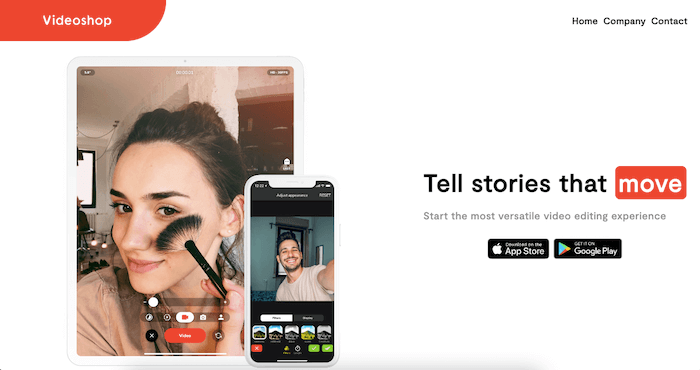
Videoshop
Videoshop offers a full scope of features that you will find useful for creating your Airbnb video. With Videoshop, you can trim and merge your videos, add sound effects, captions, voiceovers, etc. All this helps personalize your videos and highlight the uniqueness of your property.
Ripl
Ripl is a perfect tool for creating videos to share on social media. You can create videos for your property listings, video ads, how-to videos, and more. Once you’ve created your videos, you can share them on social media in minutes.
One of the most useful features of the app is Smart Post Recommendations. Using this feature, you can find inspiration and ideas for your future publications.
Renderforest
Renderforest has a large variety of real estate templates to give you an opportunity to create real estate listing videos effortlessly. The process is done directly in your browser.
With Renderforest’s easily customizable scenes, you will be able to create engaging videos in no time. You can also find other video templates in various categories, ranging from intros and music visualizations to explainer animations and promotional videos here.
FlexClip
FlexClip is a free video editor that allows you to create Airbnb videos from scratch without having to be a professional editor. The tool has more than 3,000 ready-to-use templates from different segments, as well as Storyblock’s media bank with more than 4 million images, audios, videos, and the export of videos in high resolution.
Final Thoughts
Creating an Airbnb video is a vital piece of your marketing strategy. Although it takes time and effort, it is worth investing in. With these tactics and tools, you will be able to create eye-catching videos and attract more potential guests to your property.
To have more time to dedicate to vacation rental marketing, start using automation for your business. Vacation rental software, such as iGMS, has helped thousands of hosts and top-rated property management companies to handle direct bookings efficiently and streamline their daily tasks.
FAQs
Can you upload a video to your Airbnb listing?
No, Airbnb listings don’t support video format. However, you can try other popular video sites like YouTube, Vimeo, or Dailymotion.
What kind of video is best for advertising Airbnb listings?
There are a few types of Airbnb videos that you can create. Lifestyle stories are great for boosting your audience’s engagement and connecting on an emotional level. If you simply want to showcase your features and layout clearly, a property tour will work better.
Should I appear in my video as the host?
It depends on your goals and comfort level. If you want to build trust and connection and your property’s story is personal, your presence will add authenticity. If you’re camera-shy and want the focus to be on the space or there are multiple hosts, keep the video purely property-focused.